
Demo Creating a Bot < 1 Minute
Demonstrate Creating a Bot < 1 Minute
Before beginning: Have a specific webpage from the institution identified to use.
1) Open the left-side panel. Select “Add new Bot".”
Enter Bot Name= Name of School or Dept
Bot Type=Select any bot type
2) Navigate to Brain->Web Pages->Crawl New Web Property->Crawl a Single Web Page
Input URL from school->Submit
3) From bottom left of navigation, open up Sandbox.
Ask a question of your newly created and trained bot.
Demo Integrations
Live Example-U of Albany

Albany Integration-Peoplesoft
https://www.albany.edu/registrar
Username: its00003
Password: Ze2Y*^8FP^bEdH
Questions:
Who is my advisor?
What is my account balance?
Affinity University-Simulated Example
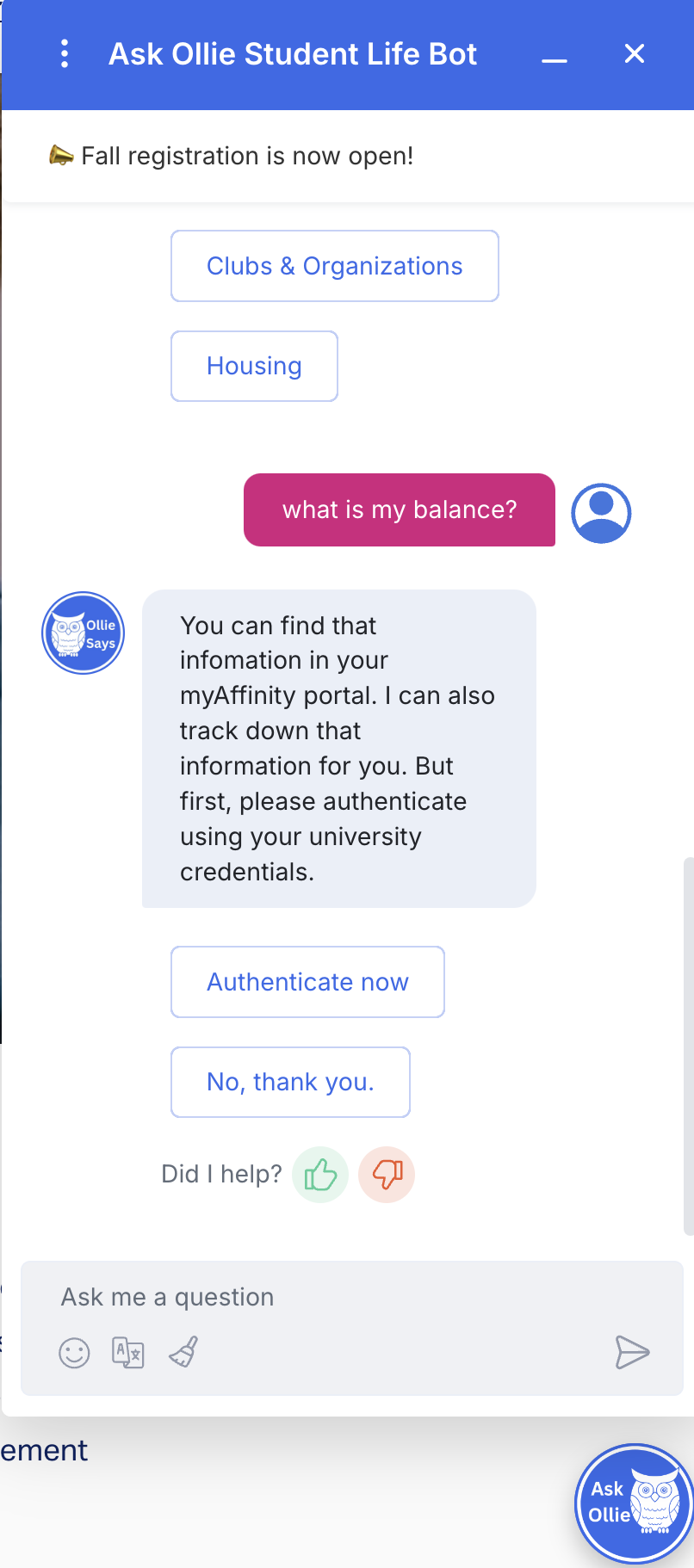
From any page/bot, ask “What is my balance?”
This will simulate the experience of how an integration will look (minus the actually SSO)
Customers can use integrated information in replies and trigger workflows to build out the experience they want.